

Quick answer: You do not need to enter a UPI PIN to receive money. Keep your PIN and login OTP private. If a message asks you to disclose a code, install a remote-access app or approve an unfamiliar payment, pause and verify through your bank or payment app’s own support channel.
Editorial review: 9 October 2026 (UTC+7) · Editorial responsibility: site account 91clubgamesclick · Independent consumer-safety information
This guide is for people in India checking suspicious payment or support messages, including messages that mention 91club. It does not authenticate a platform, identify an official 91club service or endorse gambling.
Do you need a UPI PIN to receive money?
No. NPCI’s fraud-awareness guidance explains that scanning a QR code and entering a UPI PIN is used to make a payment, not to receive one. A promised refund or reward is not a reason to disclose your PIN.
Check the action shown inside the app before proceeding. A message saying “receive” does not change what the approval screen authorizes. If you cannot explain the transaction in your own words, stop rather than follow the sender’s instructions.
Keep a PIN and an OTP private
A UPI PIN and a one-time password serve different purposes, but neither should be read out to an unknown caller or pasted into a support chat. NPCI’s UPI FAQ says bank customer support will not ask for your UPI PIN.
A familiar logo, a display name or a screenshot is not proof of who is contacting you. Use the independently opened app to inspect the situation. Our account-safety checklist covers passwords, OTP requests and app permissions in more detail.
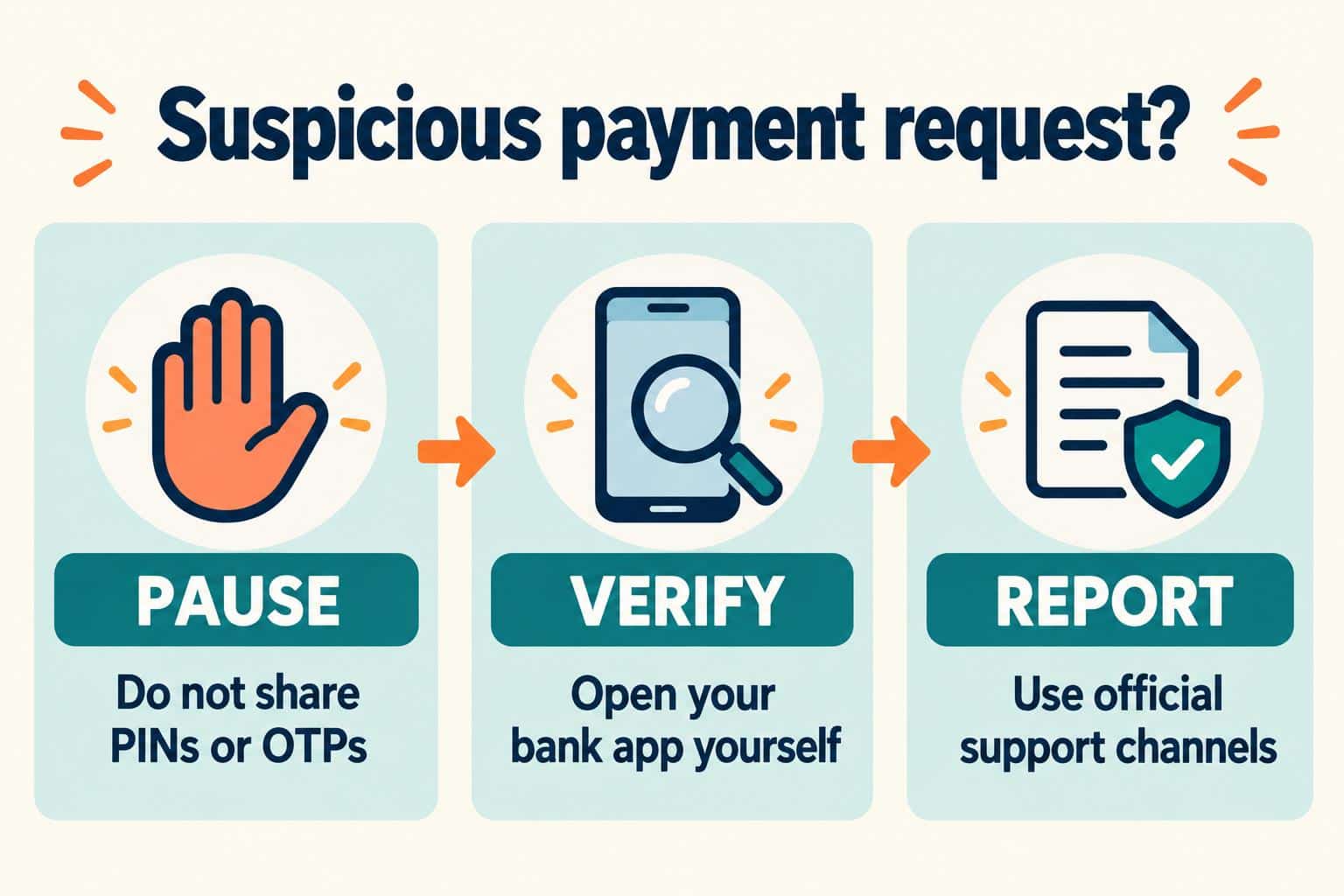
A three-step response to a suspicious request
- Pause: Do not send codes or approve an unfamiliar request while someone pressures you. Keep the message so you can describe what happened.
- Verify: Open your usual bank or payment app yourself. Google Pay recommends finding customer care in the app’s Help or Support section rather than relying on untrusted online phone numbers.
- Report: If you suspect an unauthorized transaction, notify your bank. Google Pay also directs victims to local cybercrime police. See our India fraud-reporting guide for evidence to preserve and links to official reporting resources.
Google Pay warns that harmful screen-sharing apps can expose information entered on your screen. Do not install an unfamiliar app simply because a caller says it is needed for support. Read the provider’s fraud and unauthorized-activity guidance. Reporting a problem does not guarantee recovery of money.
Frequently asked questions
Can a support agent ask me to send my UPI PIN?
No. Do not share it. End the conversation and contact support independently using your bank or payment app.
Does an official-looking message prove it is genuine?
No. Treat the design as presentation, not identity verification. Check through a channel you opened yourself.
What if the message mentions 91club?
The same checks apply. This article cannot verify the sender or a service’s legitimacy. Read the independent information page before relying on online claims.
Sources and editorial notes
This article draws on NPCI’s UPI FAQ and fraud-awareness guidance, plus Google Pay’s safety guidance, linked beside the relevant statements. Sources checked on 9 October 2026. Illustrations are AI-generated educational graphics, not screenshots of a bank app. This website is not a bank, payment provider or government reporting service.
